
TriOS UV Nitrate Sensor Integration Guide
TriOS UV Nitrate Sensors are in-situ UV photometers that measure nitrate in lakes/rivers, drinking water, and wastewater applications. Nitrate is measured using the common principles of UV optical absorption utilized in laboratories worldwide. The sensors are compatible with X-Series data loggers over the RS-485 sensor interface using the Modbus-RTU communication protocol. Below is information on the settings and wiring required to integrate the sensor with the X-Series loggers.
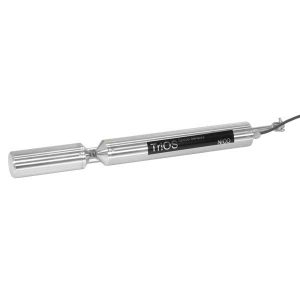
Figure 1: TriOS NICO UV Nitrate Sensor |
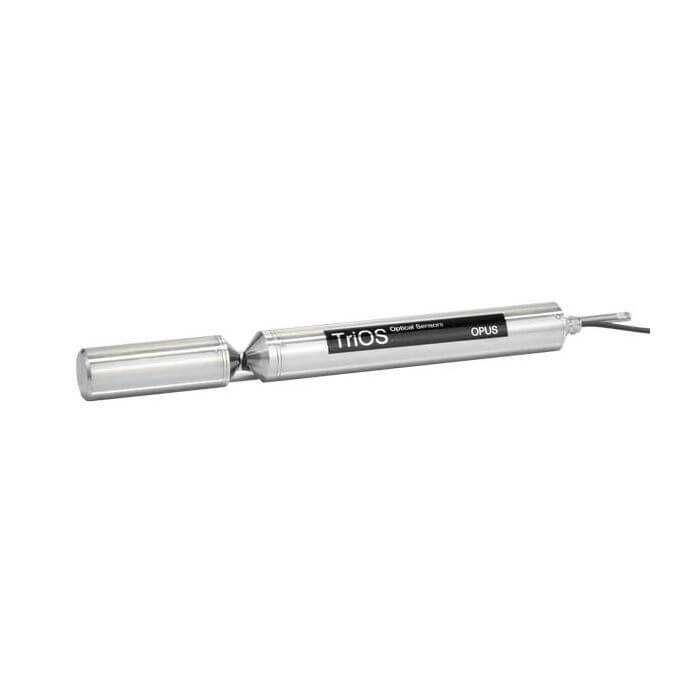
Figure 2: TriOS OPUS UV Nitrate Sensor |
TriOS Integration
The TriOS sensor software is available via a communication adapter and a web interface to make adjustments to internal data logging, measurement intervals, measurement averaging, and the sensor’s communication protocol. Additionally, stored data will be available for download.
1. Sensor Settings
The sensor measurement settings must be adjusted to align with the X-Series logger script.
- Follow the included sensor manuals for the connection of the sensor to a PC.
- The default measurement interval for the TriOS NICO sensor is 1 minute. Based on the NexSens-generated script for the TriOS sensor, this interval should not exceed 1 minute; however, it can be set to any shorter duration.
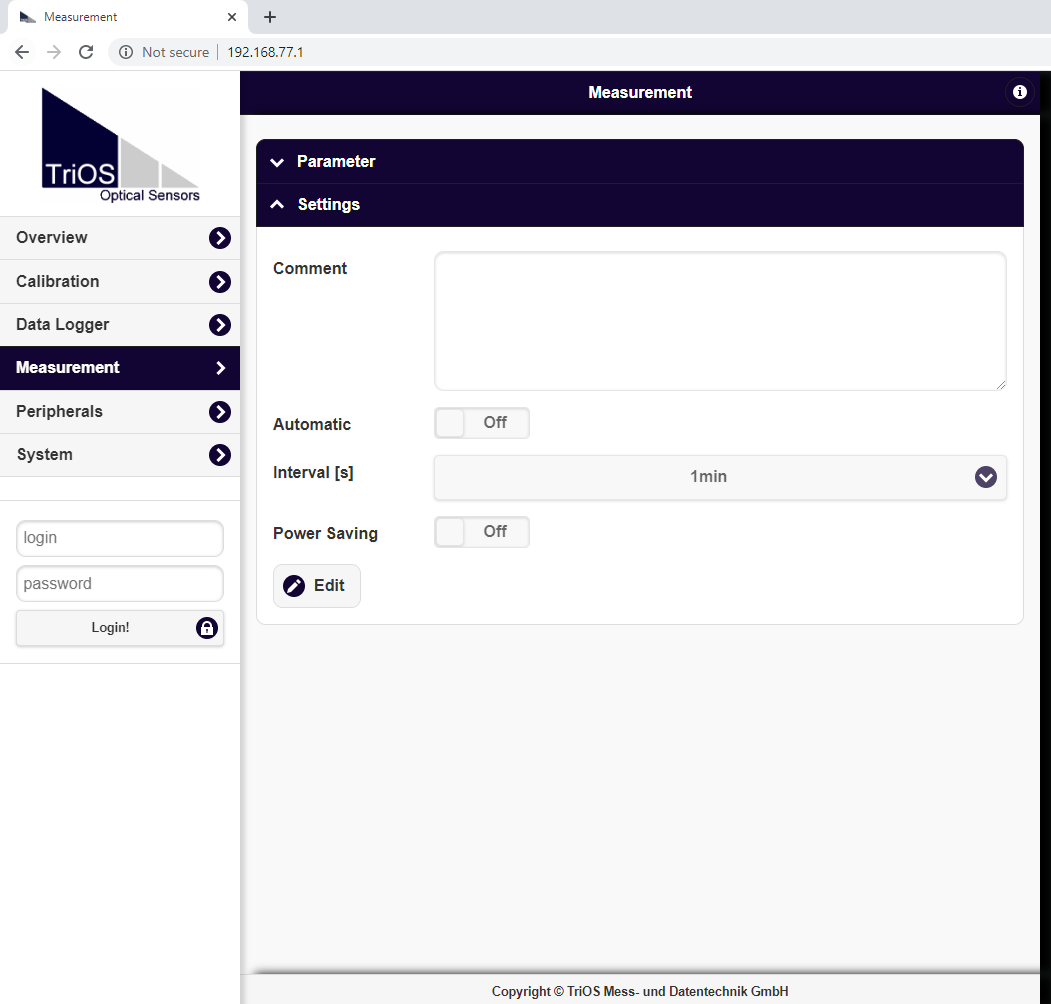
Figure 3: Default TriOS Measurement Settings.
- Automatic measurement must be enabled for the logger to receive measurements from the sensor.

Figure 4: Enable automatic measurement
- All other default parameters should remain the same.
- The TriOS sensor uses the following default communication protocol (leave as default):
- Baud: 9600
- Data Bits: 8
- Parity: None
- Stop Bits: 1
2. Logger Connection
If a TriOS Wiper is included, the mechanical wiper and sensor are connected to a UW-2W splitter, which is connected to a single port on the X-series logger. Power is sent to both units and the wiper completes three oscillations over the optics before each reading.
- Connect the MCIL-8-FS-x cable between the sensor and one of the open ports on the UW-2W splitter. Insert the wiper plug into the open receptacle on the UW-2W splitter.
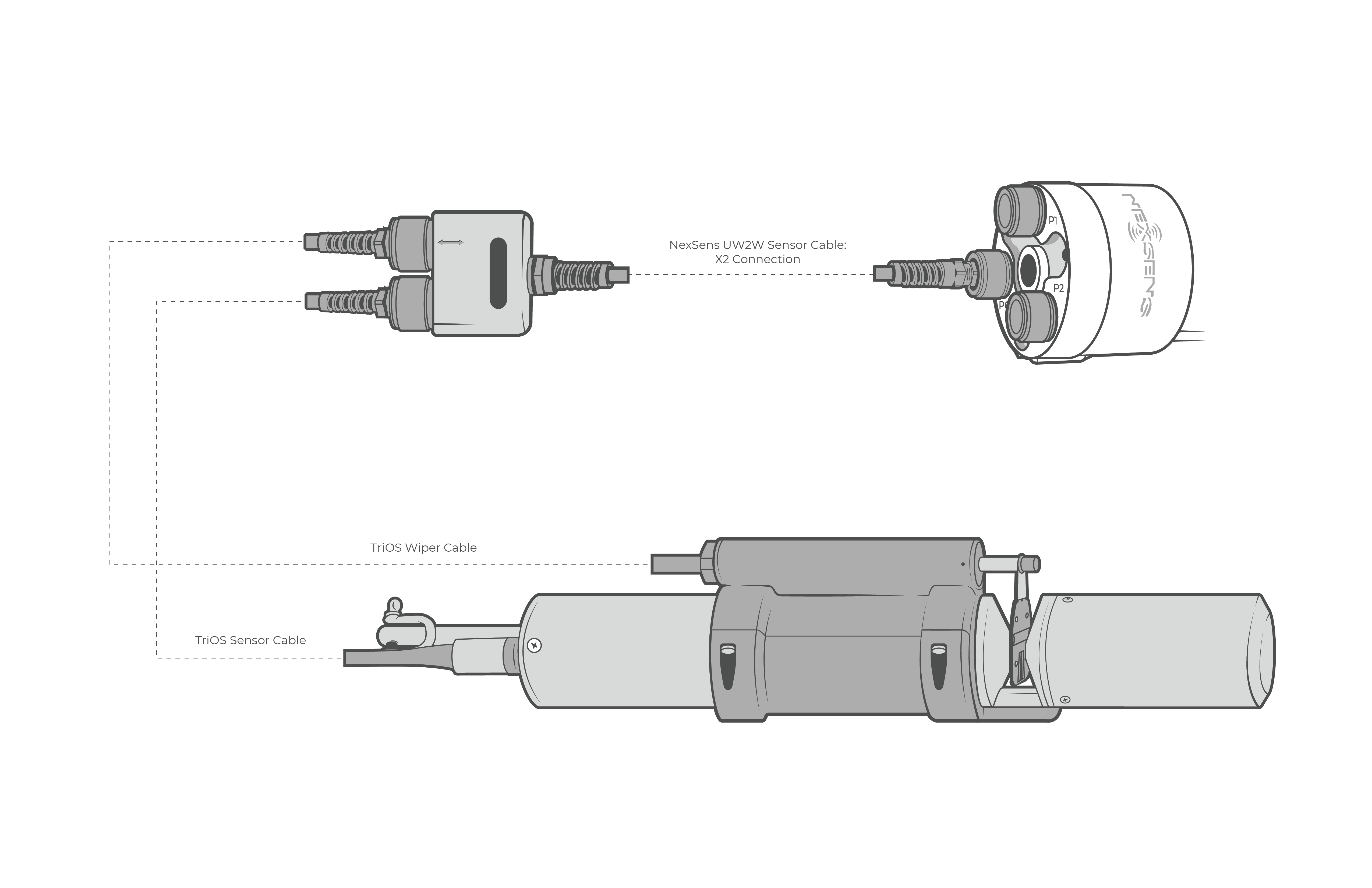
Figure 5: TriOS sensor and wiper connection through NexSens UW-2W splitter.
3. Automatic Sensor Detection
The TriOS Nitrate sensor communicates with the logger using script 1014. Enable this sensor script by following the article below.
| Script Number | Communication Protocol | Baud Rate | Power Type | Warmup Period (Sec) | Frame |
| 1014 | Modbus-RTU | 9600 | Switch | 130 | 8N1 |
After the script is enabled, run a sensor detection to program the sensor onto the logger.
Read Sensor Configuration – Confirm Sensor Detection
After ~5-10 minutes, read the sensor configuration to confirm the sensor(s) have been detected on the data logger. Thoroughly review the parameter list to ensure all parameters are accounted for and are measured in the desired units. Let the unit gather a few readings to confirm accurate and reasonable parameter data.
4. Setting up WQData LIVE
Once an X-Series data logger has finished a new sensor detection, it will automatically push the sensor configuration to the WQData LIVE web data center. Follow the three articles below to create a WQData LIVE account and a project/site. Then add the data logger to the project using the included claim code.
- Create a WQData LIVE Account
- Create a Project on WQData LIVE
- Add a Data Logger to a Project on WQData LIVE