Solinst Water Level Temperature Sensor X-Series Integration Guide
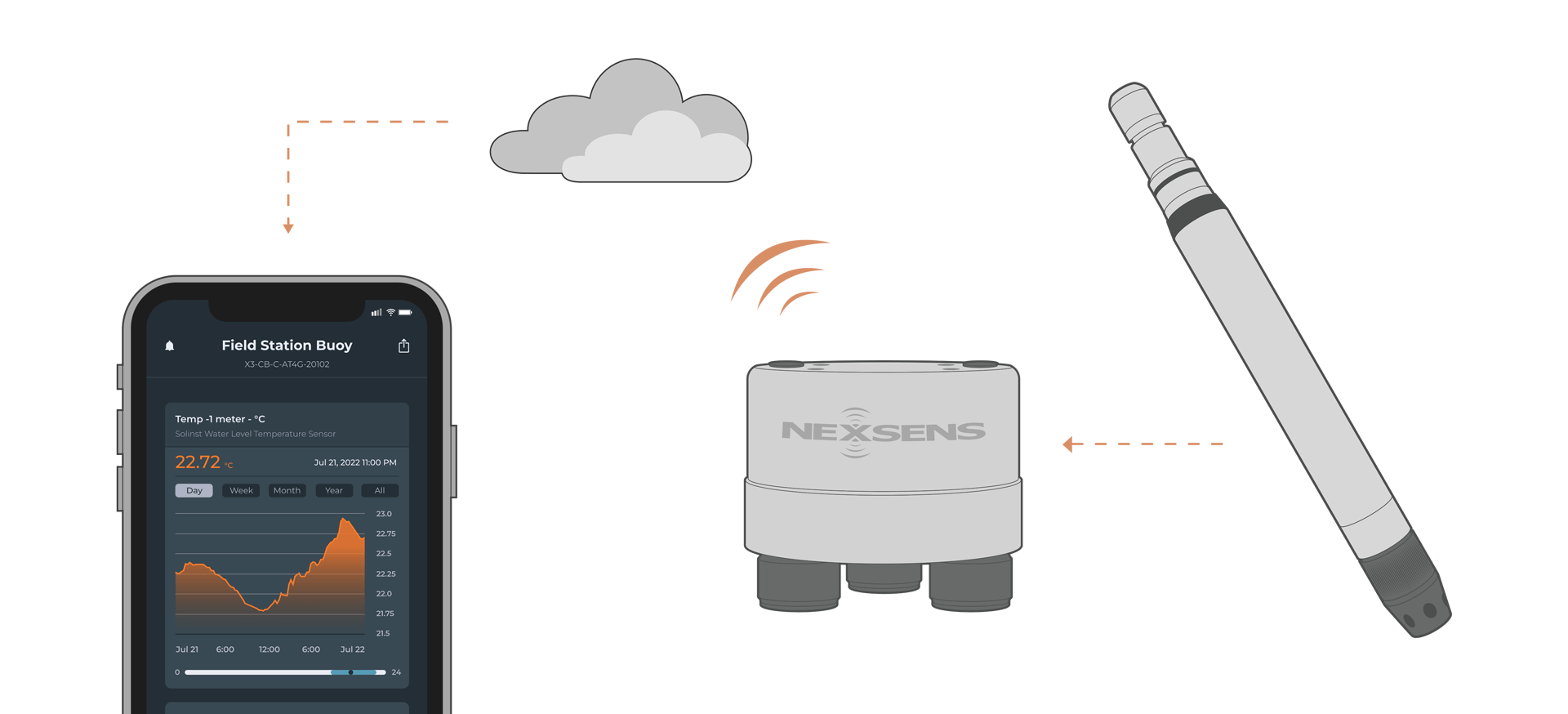
The Solinst Water Level Temperature Sensor (WLTS) measures water level and temperature. It easily integrates with NexSens X-Series data loggers using the SDI-12 sensor interface.
Sensor Setup
Before the sensor can be deployed, it must first be set up through the WLTS PC Software Utility. Follow the manufacturer’s guidelines for SDI-12 setup.
Note: Be sure to note the SDI-12 address and leave the units in metric. Conversion factors are available in WQData LIVE.
Connecting with X-Series Loggers
Next, the WLTS will need to be set up for the X-Series logger using CONNECT software. If you have not yet done so, set up the project in WQData LIVE.
- Connect the sensor using the supplied cable to one of the open sensor ports on the logger and note the port number.
- Plug the X3 into the USB port of the computer and power it on with the AC power cable.
- Open CONNECT and select the SENSOR tab.
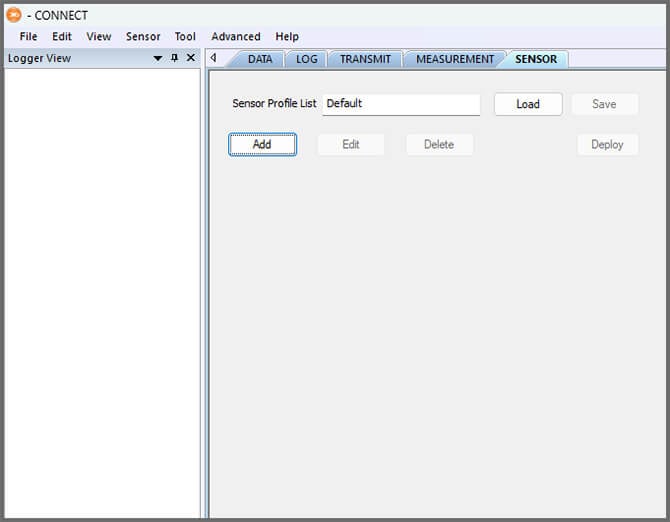
- Click Add and select Solinst from the Manufacturer drop-down. Then select WLTS.
- Adjust the SDI-12 address if needed and select the port number.
- Select either Continuous or Switch in the Power drop-down.
- Switch power is recommended.
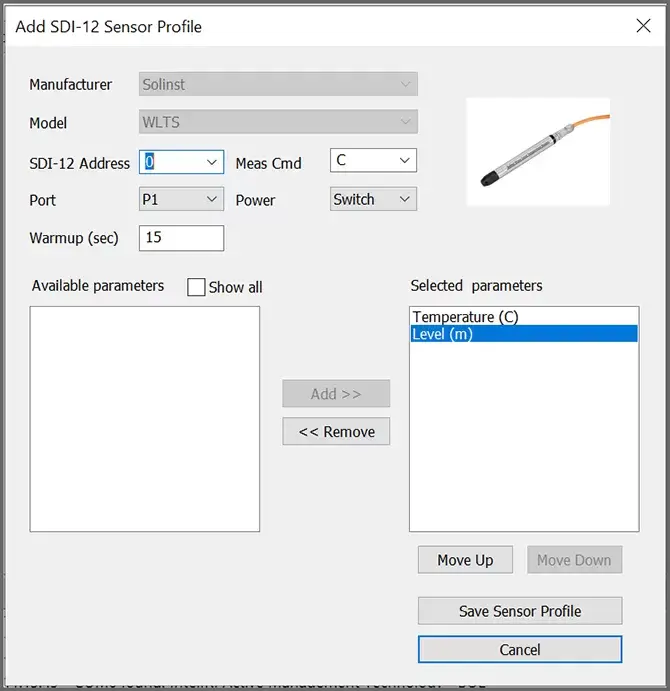
- Switch power is recommended.
- Select Save Sensor Profile.
- Complete the setup for all other sensors, and then click Save.
- Name the Sensor Profile List and select Ok.

- Complete system setup by clicking Deploy.
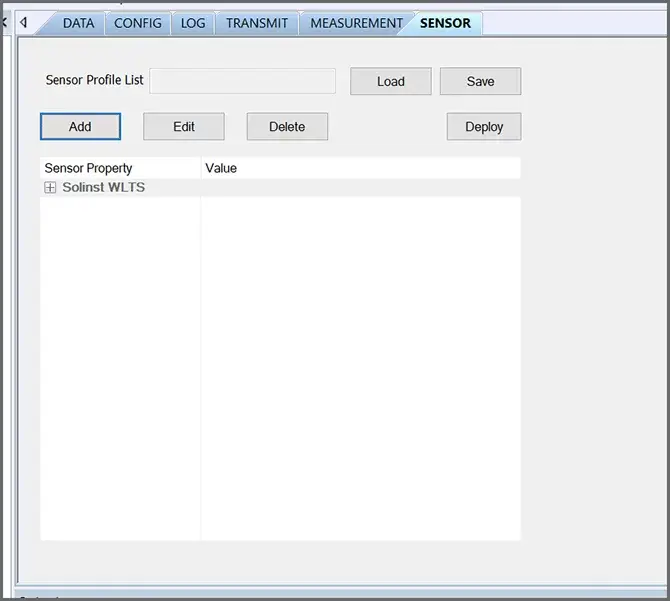
- Confirm that data is being transferred to WQData LIVE at the next interval (default is 10 minutes).
Mounting
Deployment setups will vary based on the platform, application, and site location. For general near-shore mounting instructions, see below.
Near-Shore Deployments
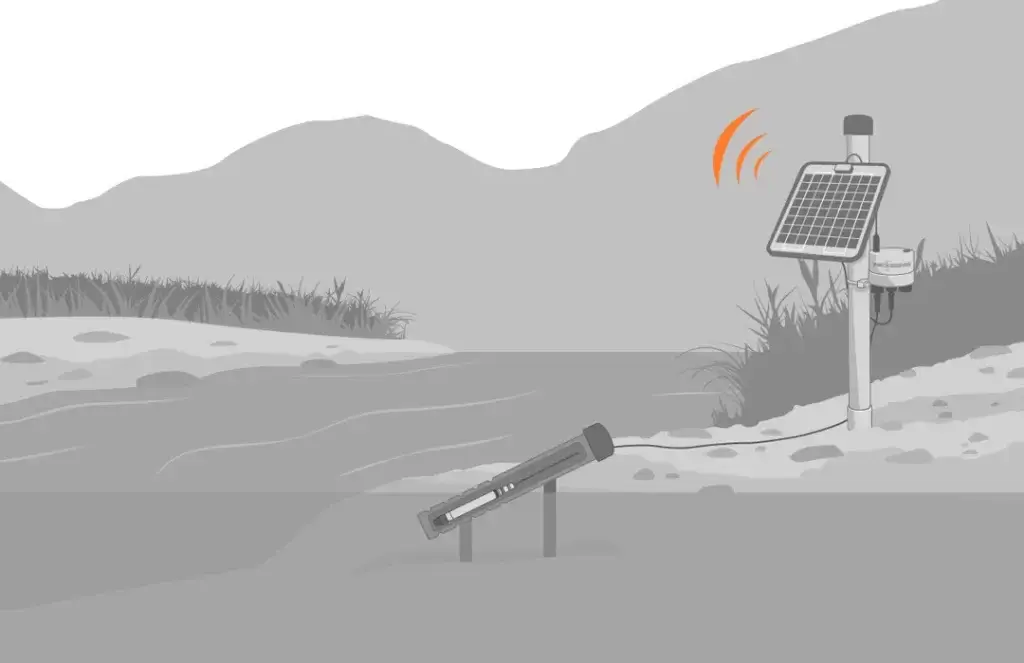
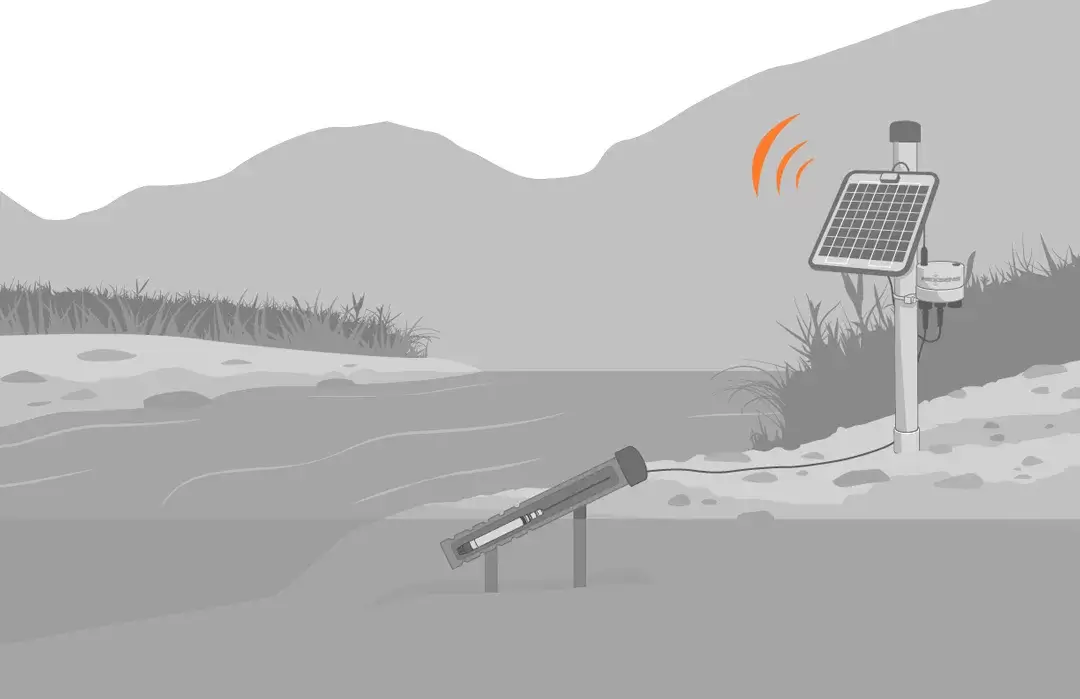
The WLTS can be mounted to pilings, bridge piers, or other shoreside structures. It’s best to design a sliding or removable mounting bracket to provide service access to the sensor above water.
The unit can be deployed inside a perforated pipe to protect it from debris, but it will need to be a tight fit or secured to avoid impact caused by waves. Regular inspection and maintenance are required to remove fouling and ensure adequate water flow.
- Mount the bracket or pipe.
- Using the instrument cable, connect the sensor to the data logger while taking care to minimize cable strain.