NexSens RF-BULK Installation Guide
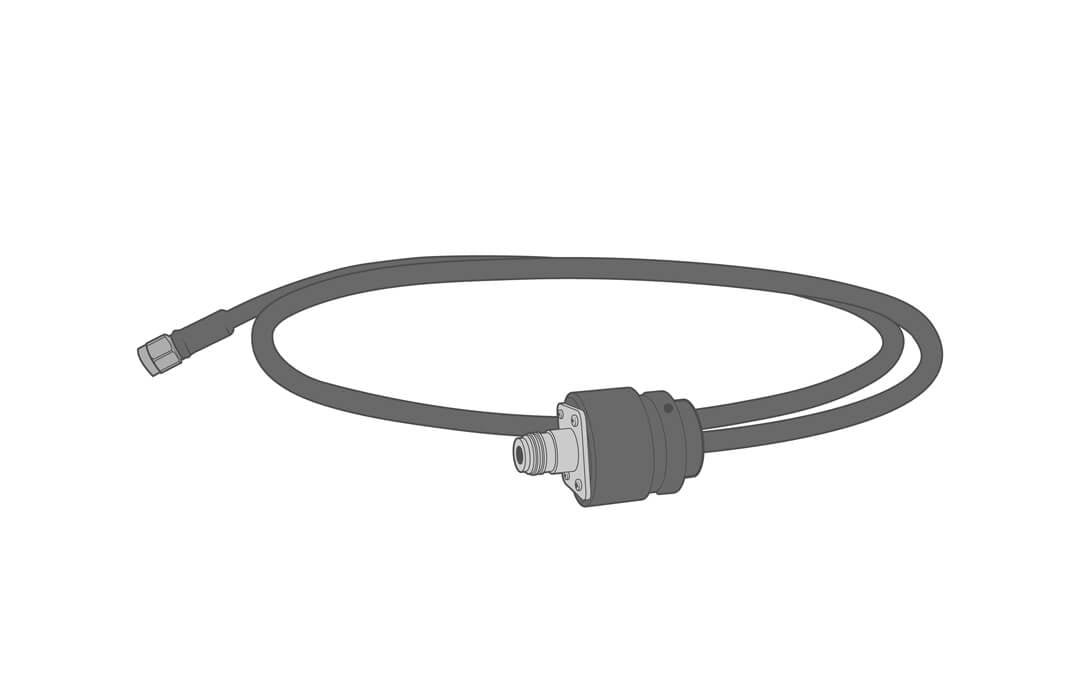
The NexSens RF bulkhead connector assembly (RF-BULK) allows modems to be integrated inside NexSens CB-Series buoy data wells. The assembly pairs with the NexSens CB-PTL and CB-MCL lids.
Installation
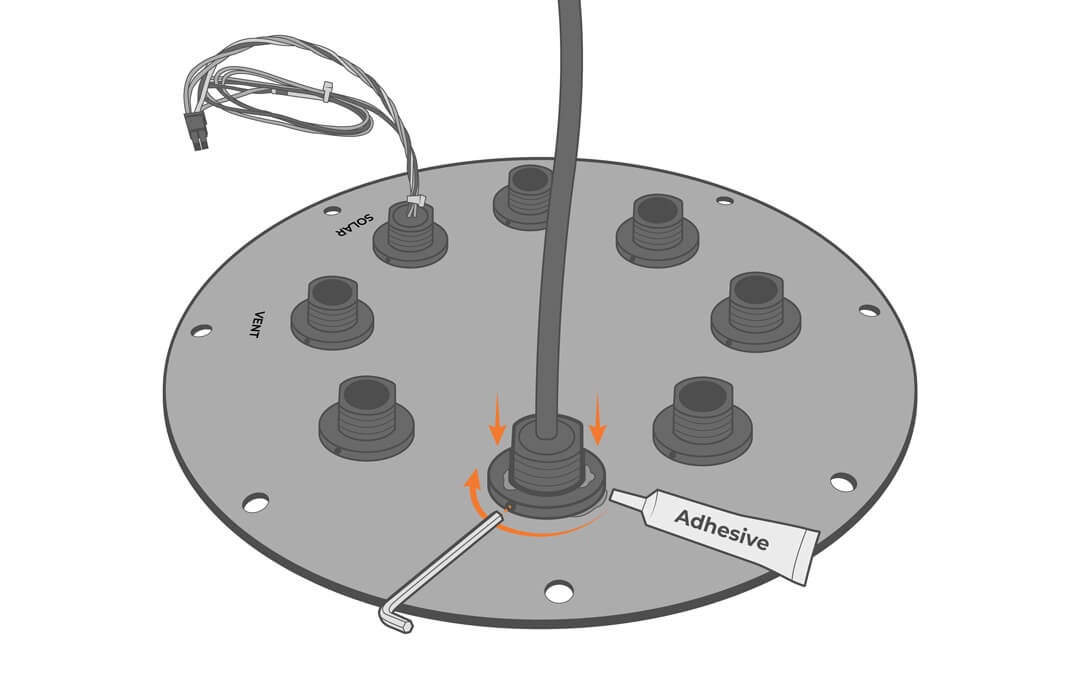
- Remove the port plug from the lid and install the RF-BULK with the nut on the bottom side.
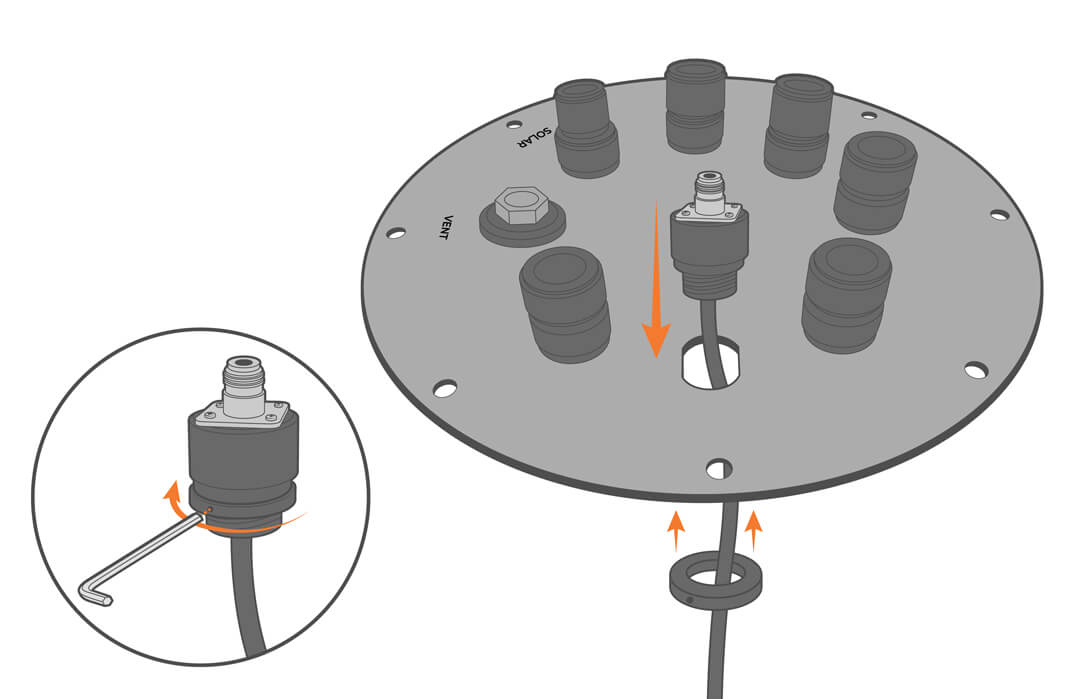
- Use adhesive to secure the nut and prevent loosening from vibration.