
Reprogram a Data Logger with an Existing iChart Project
- Open the iChart project.
- Before reprogramming, ensure the desired logger has the correct Communication Properties in iChart by right-clicking on the logger and selecting Property.
- Ensure the iSIC address is correct.
- If a direct connection is applied, change the Connect Through option to Direct.
- If the connection is over cellular, change the Connect Through to Internet and enter the correct IP address.
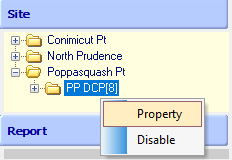
Right-click on the logger and select property. |

Communication Properties. |
- Click Test Connection to ensure there is proper communication with the data logger.
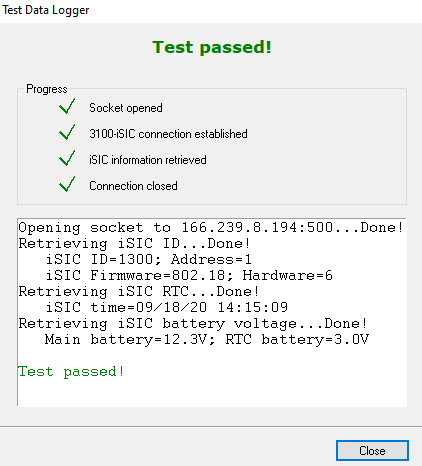
Test Connection Success.
- Click Project | Setup Device Wizard at the top.
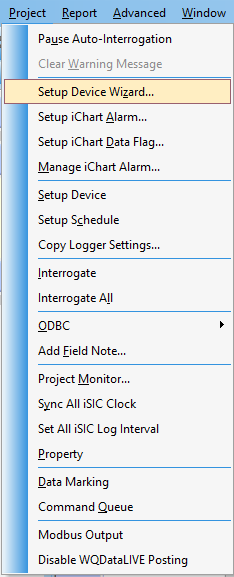
Project | Setup Device Wizard. |
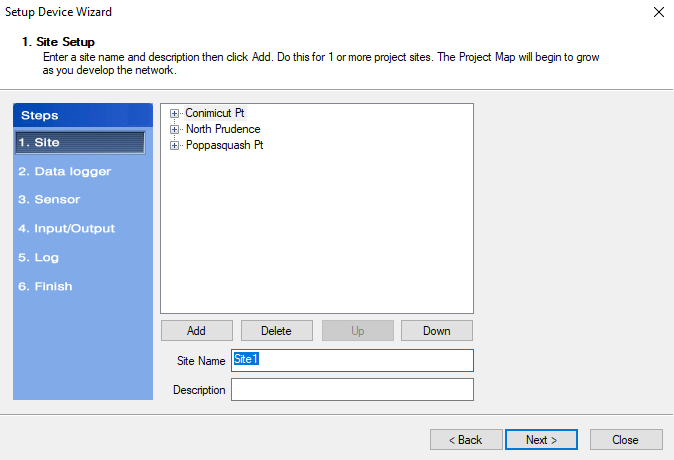
Pre-existing Sites. |
- Click Next until you get to Step 6: ‘Finish’.
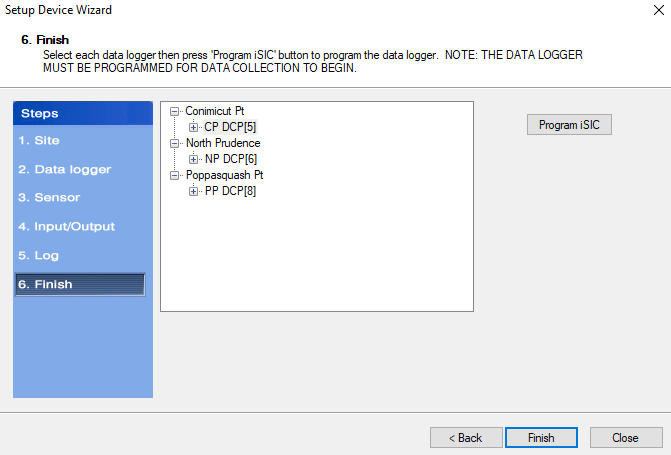
Step 6: Finish in Setup Device Wizard.
- Ensure to select the specific logger that will need reprogrammed.
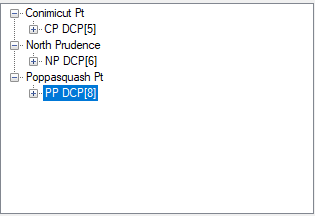
Click on the logger that needs reprogrammed.
- Click Finish.
- The logger should begin reprogramming with the sensor configuration created on the pre-existing icr file with the specific logger chosen.