
How to Cycle (Reset) Power on an iSIC-V2
- Identify the 6-pin power source cable located at the bottom left hand side of the iSIC-V2.
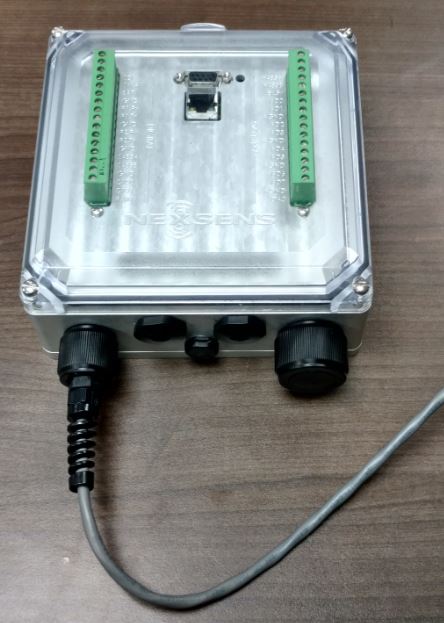
iSIC-V2 with 6-pin power connection (bottom left).
- Turn the connector bushing counter-clockwise until it is free from the port.
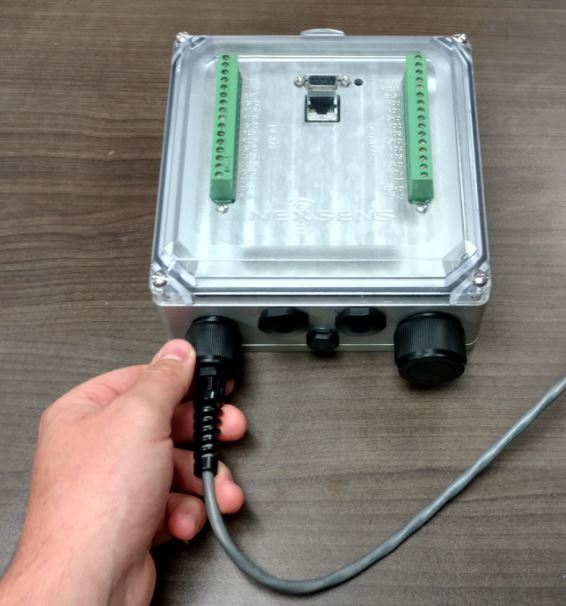
Loosen power cable bushing.
- Gently pull back on the power cable to remove it from the logger port and wait at least 30 seconds.
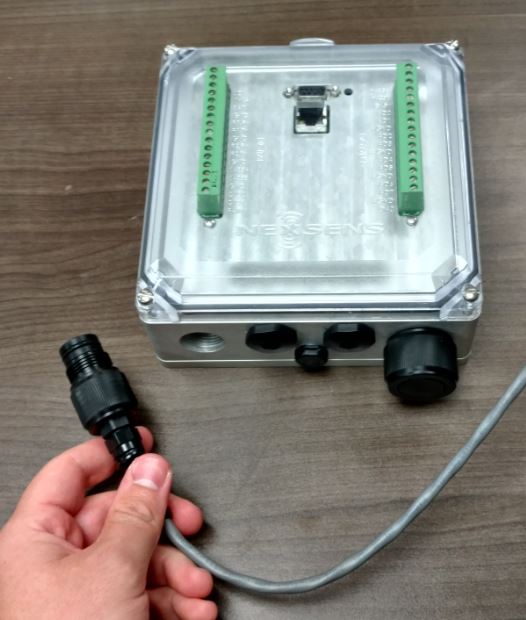
Remove power cable
- Align the pins and sockets of the cable connector with those of the port. Push the plug into the port and turn the bushing connector clockwise until hand-tight.
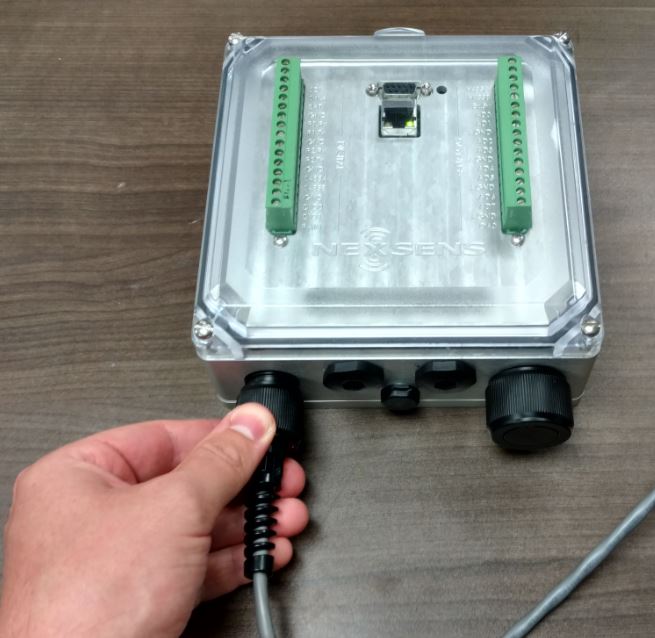
Reconnect power cable.
- Once the connection has been re-established the logger will emit an audible beep as it powers on.
- Listen for this beep to confirm the system has powered up properly.
- Also look for LEDs to blink on the Ethernet connector as well as to the right of the DB9 serial connector (blue or green).
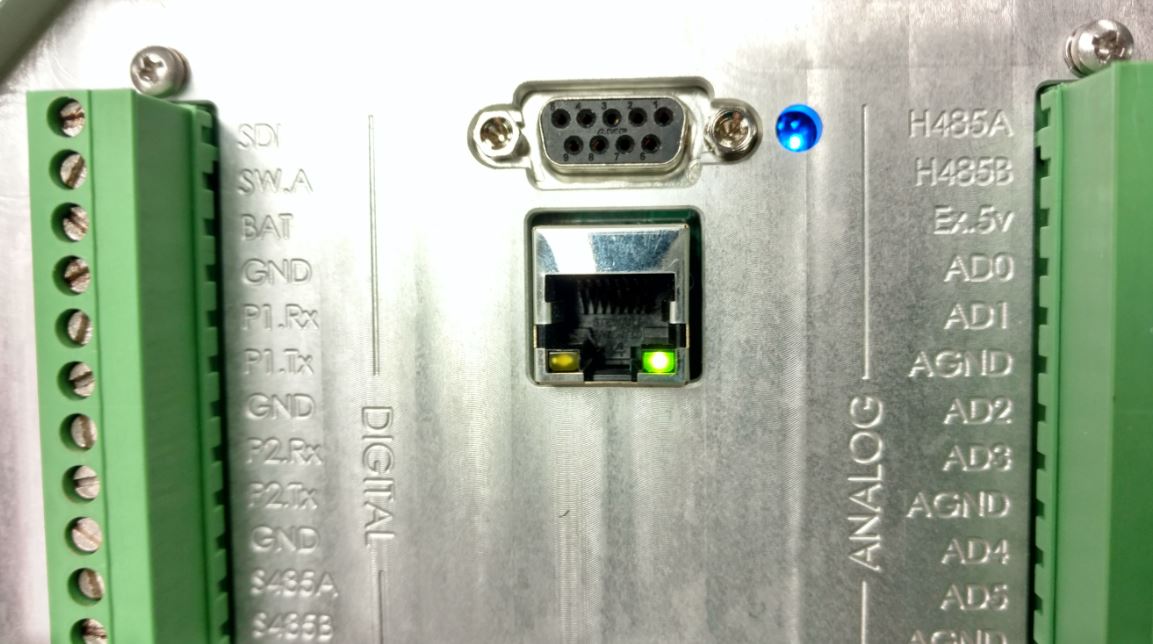
iSIC-V2 with Ethernet LED (green) and status LED (blue) illuminated.